For everything you screenshot

Your screenshots, finally doing something.

Shutview reads the screenshots you save and turns each one into the thing you meant to do: join the Wi‑Fi, cook the recipe, add the event, buy the groceries.

For iPhone and Android.

Shutview's home screen: coming up, what's new, and your screenshots by kind
Wi‑FiJoin from a photo
RecipesInto a shopping list
ReceiptsLines and the total
TablesBack into Excel
EventsInto your calendar
PlacesDirections, hours, call
CodesPromo, tracking, booking
ContactsStraight to your phone
NotesKept word for word
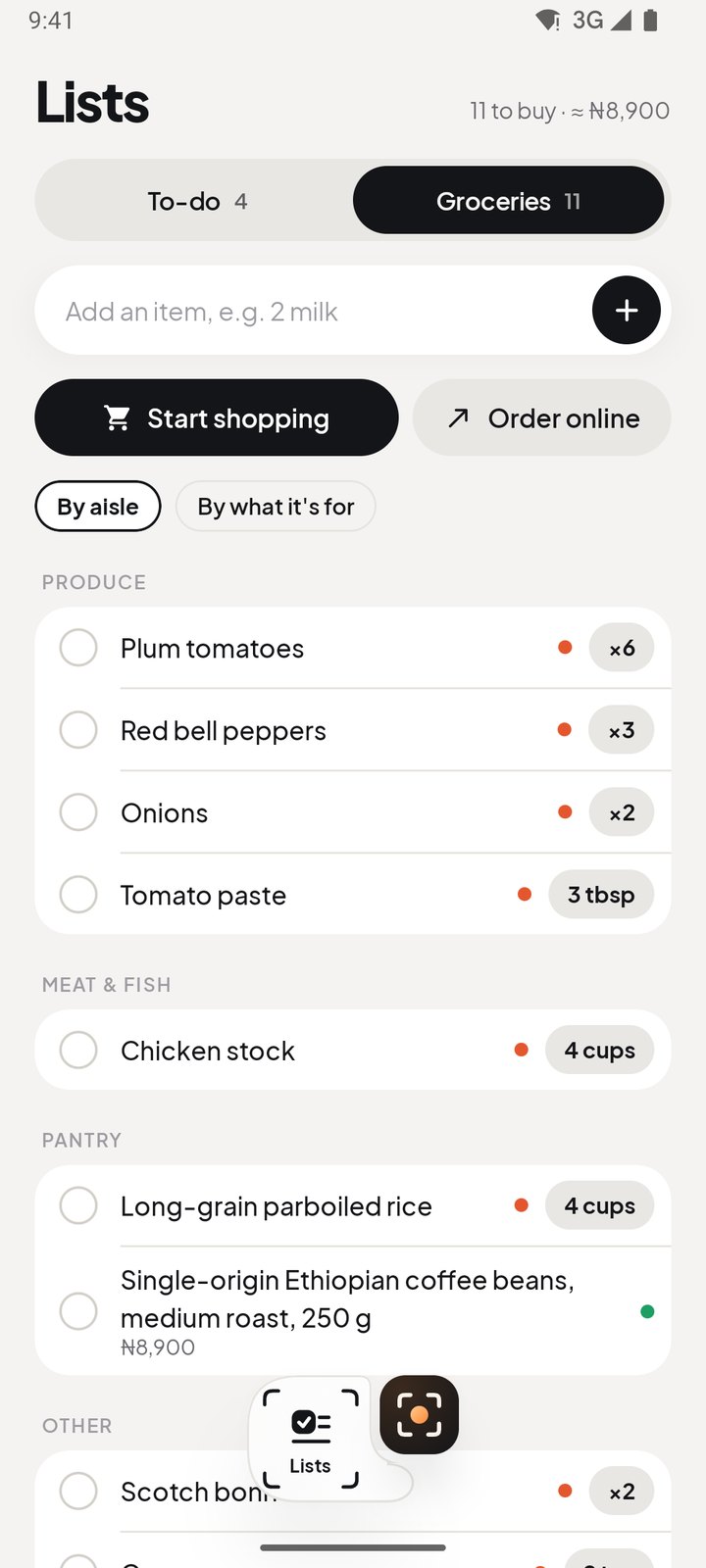
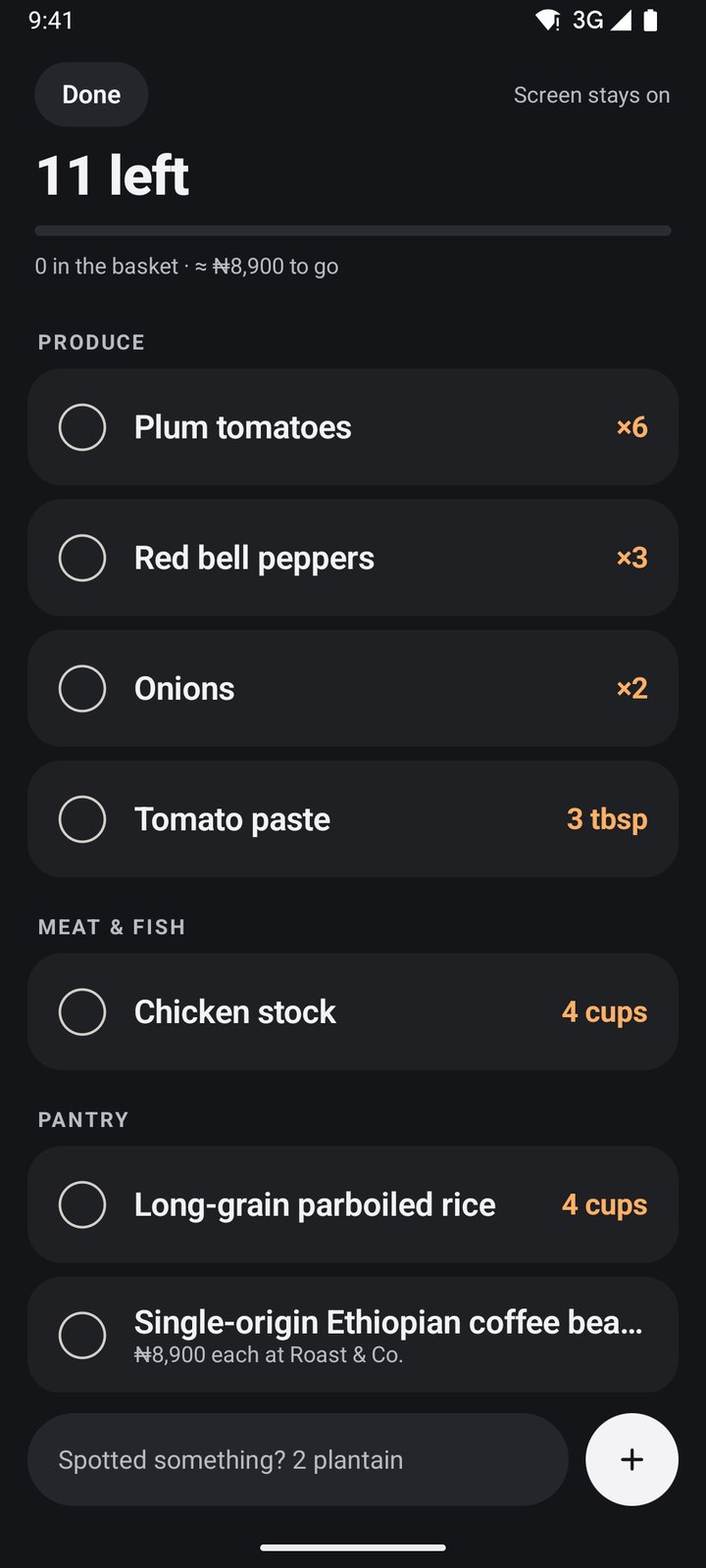
To buyGroceries by aisle
Screenshot in, action out

Every screenshot gets one button.

The one that fits what it is. Drag through a few.

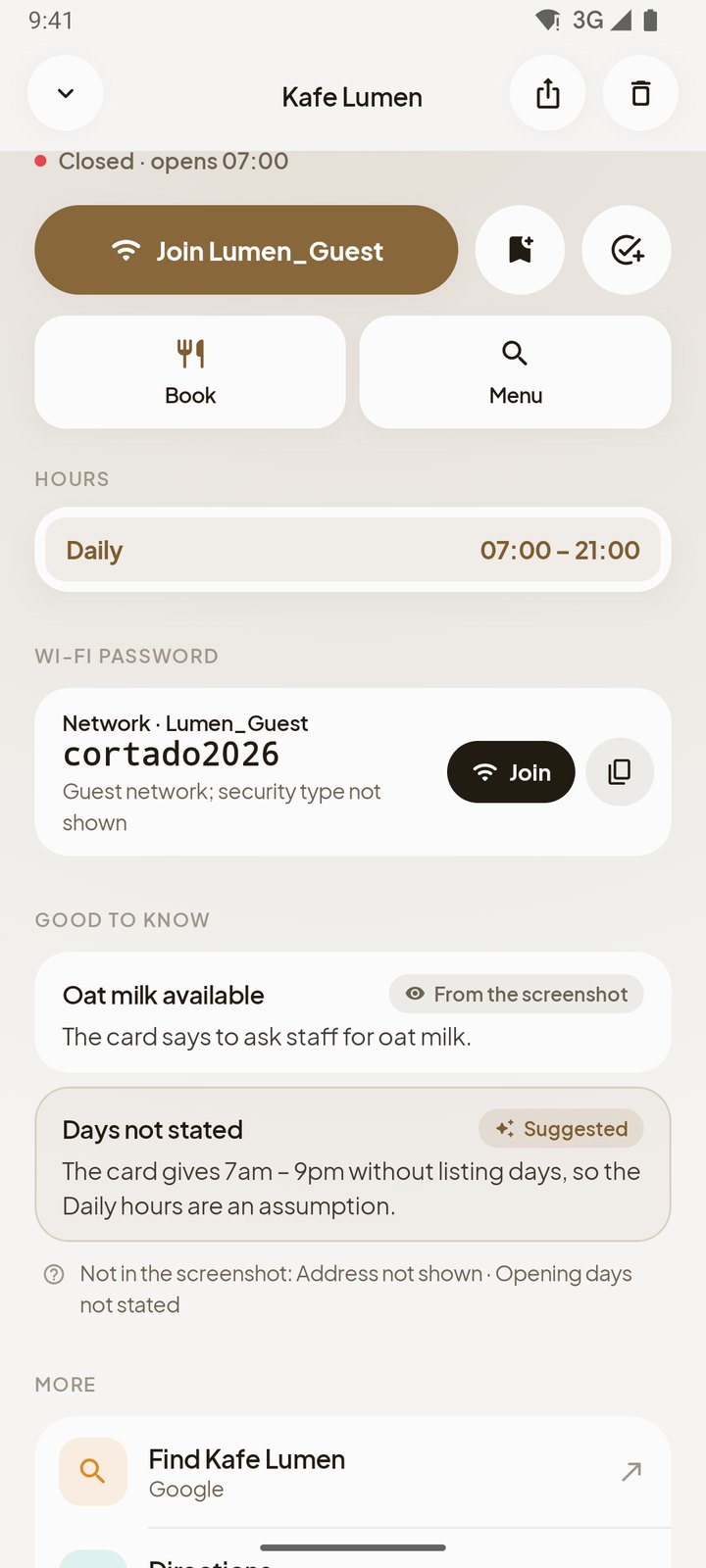
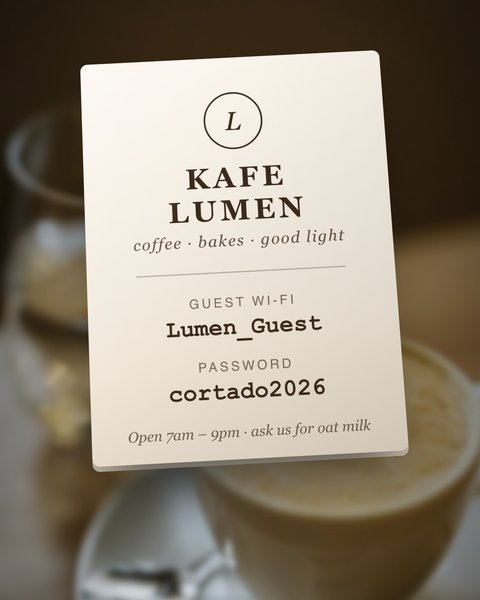
A café's Wi-Fi card
Wi‑Fi cardJoin Lumen_GuestPassword copied too, just in case.
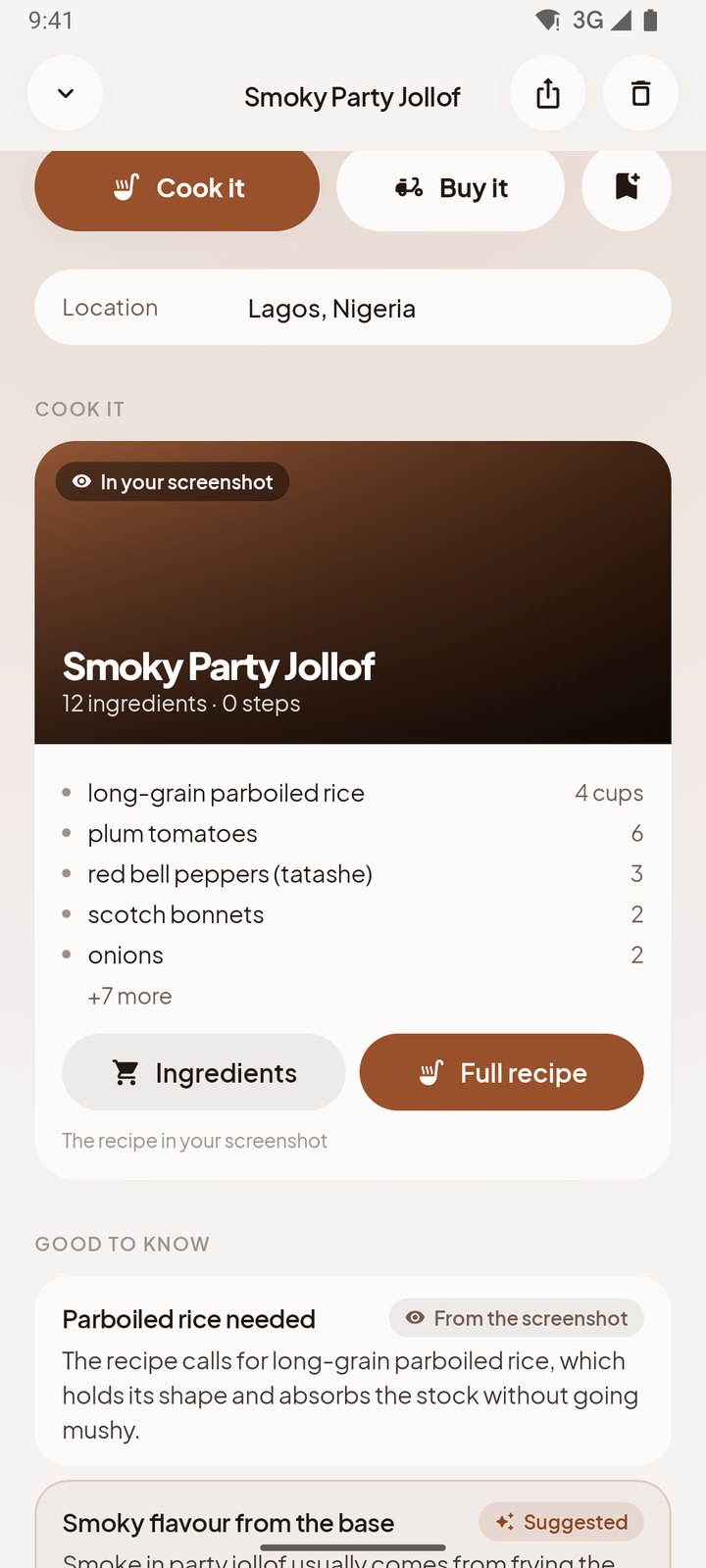
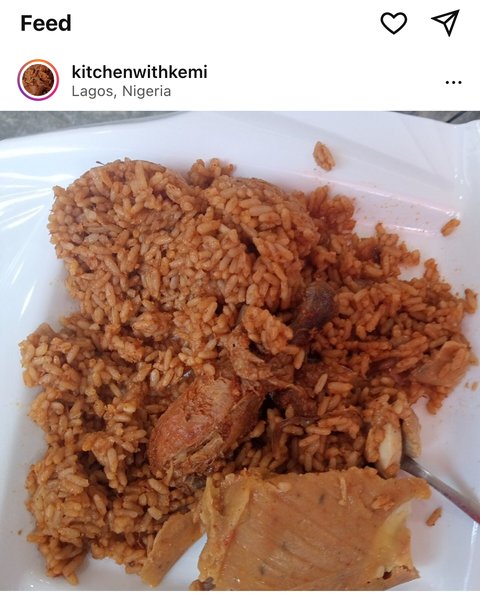
A jollof rice post with the ingredients in the caption
RecipeGet the 10 ingredientsCopied from the caption. Staples you have stay off.
A jazz night story
EventAdd to calendar · Sun 7pmVenue and tickets come with it.
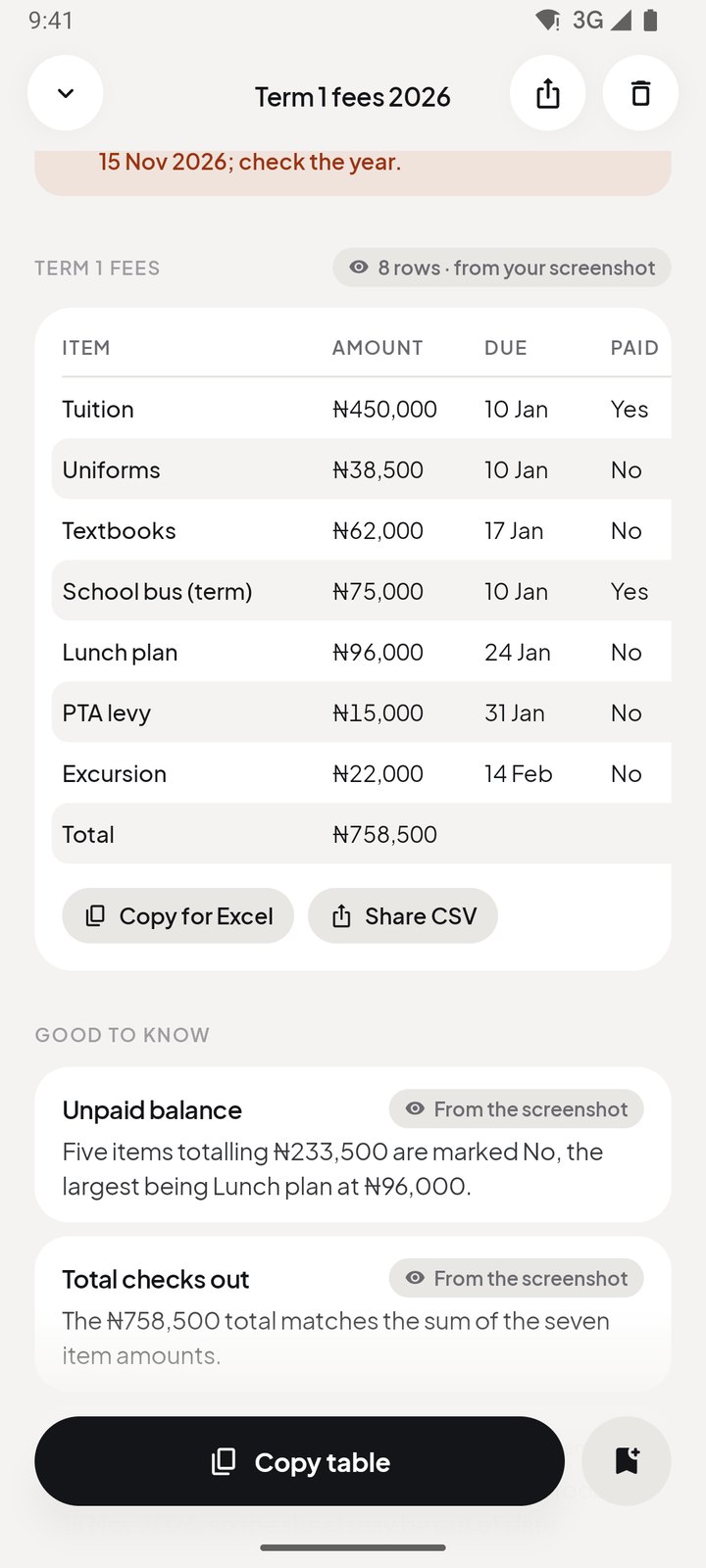
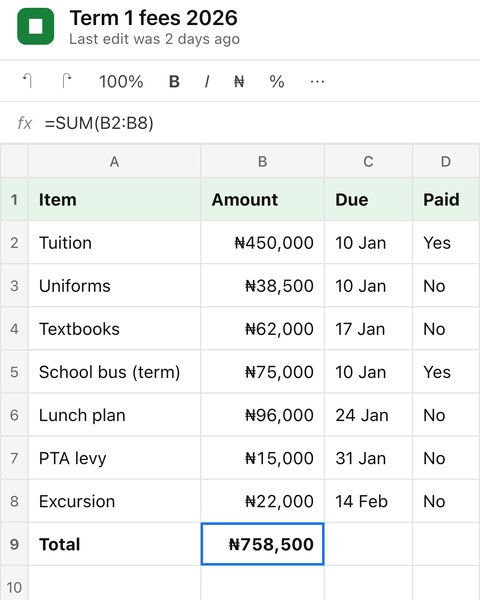
A school fees spreadsheet
SpreadsheetCopy for Excel₦233,500 still unpaid, from the table.
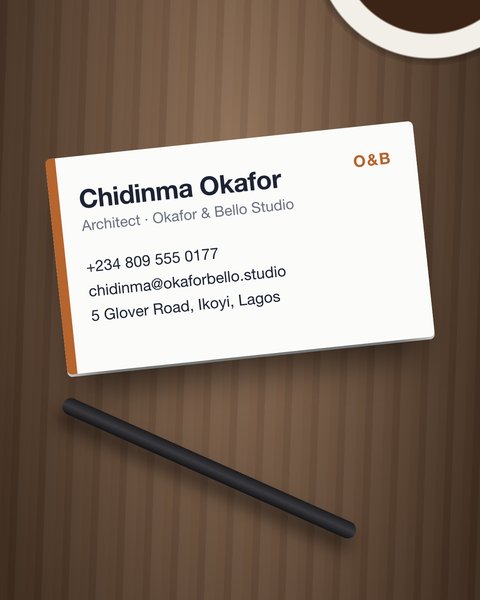
A business card
Business cardSave contactPhone, email and address filled in.
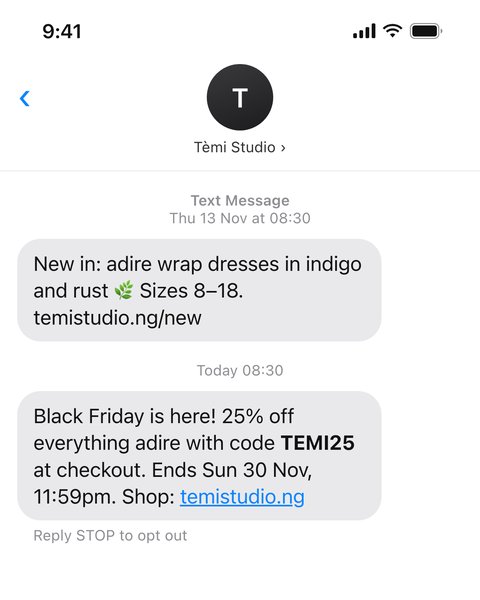
A promo code text message
Promo codeCopy TEMI25Ends Sun 30 Nov. It'll remind you.
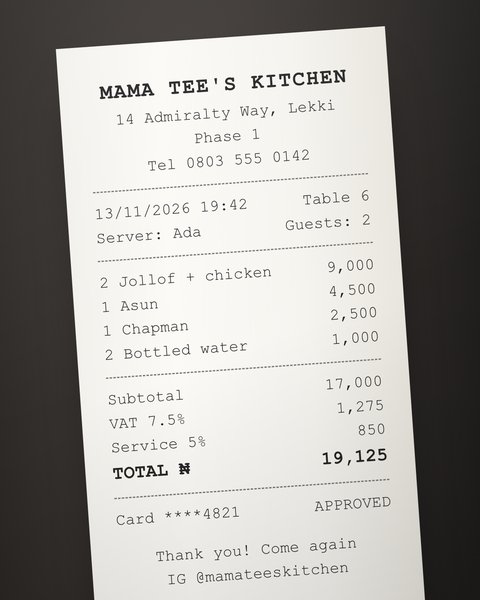
A restaurant receipt
ReceiptShare receiptTotals checked: ₦19,125.
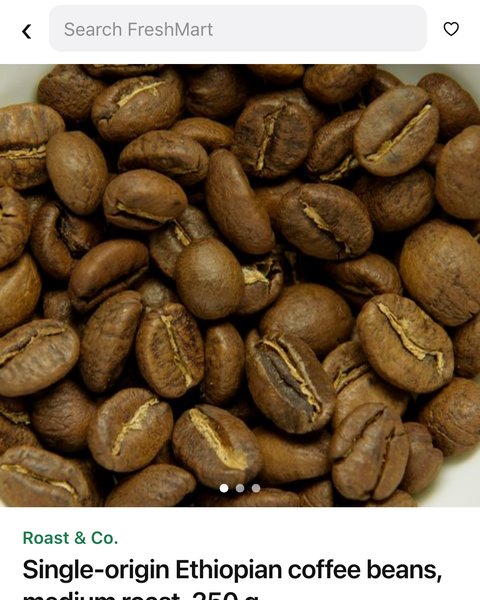
A bag of coffee beans on a shop page
ProductAdd to Groceries₦8,900, down from ₦10,500.

What matters now, at the top.

The gig on Sunday, the jollof you're cooking Saturday, what came in today. Everything else sorts itself into recipes, places, codes and things to buy.

1 / 6
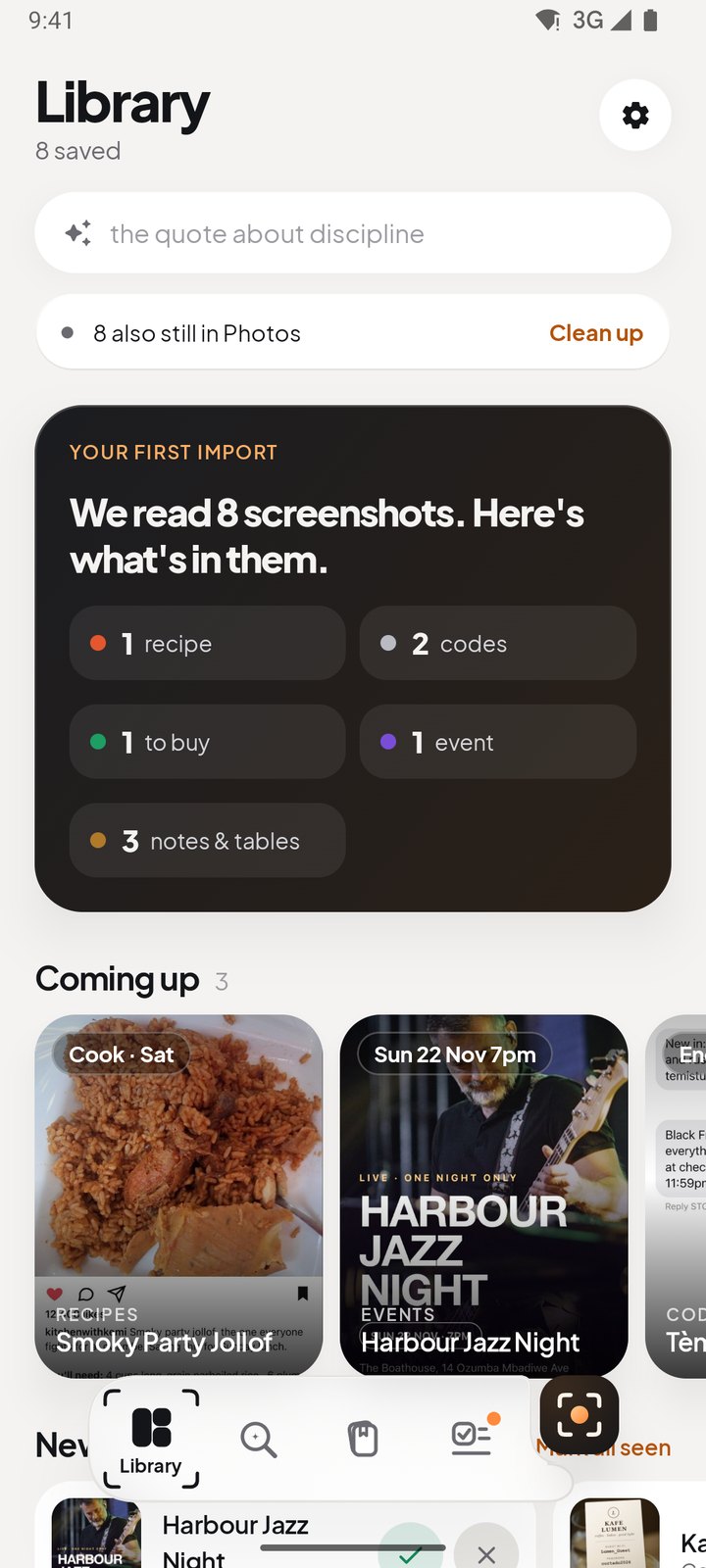
Home: What matters now, at the top.
A replay of real reads

Watch it read.

Pick a screenshot. This is what Shutview pulled out of it, and the button it gave it.

Café Wi‑Fi card
Wi‑Fi code
NetworkLumen_Guest
Passwordcortado2026
Open7am – 9pm
Not shownthe address
Join Lumen_Guest
Honest by design

It tells you what it saw, and what it guessed.

SeenFacts printed in your screenshot are marked as such.
SuggestedA typical recipe, a likely hour: always labelled, never dressed up as fact.
PrivateBank and password screenshots stay on your phone, blurred until you look.
YoursYour library lives on your device. Clear out Photos; it stays searchable here.